Warm introduction paths across your whole firm, account briefs in a format you design, visibility controls on every Key Account, signals clearly marked as new, plus a smoother mobile experience and live support.
Navigation, account views, the feed, chat, settings, and billing now adapt
more cleanly to mobile screens, making important controls easier to reach
and content easier to read wherever you work.
Dense pages have also been reorganized for smaller screens, so you can review
account details, move between sections, and take common actions without
fighting a desktop layout on your phone.
Workspace admins can now open live support access from the Help menu, choose
what the alkemy team can view, and decide how long access should remain open.
Access is read-only and can be revoked at any time.
You can include a short description of the problem and limit access to only
the relevant parts of your workspace. This gives the support team the context
they need while keeping everything else private and unchanged.
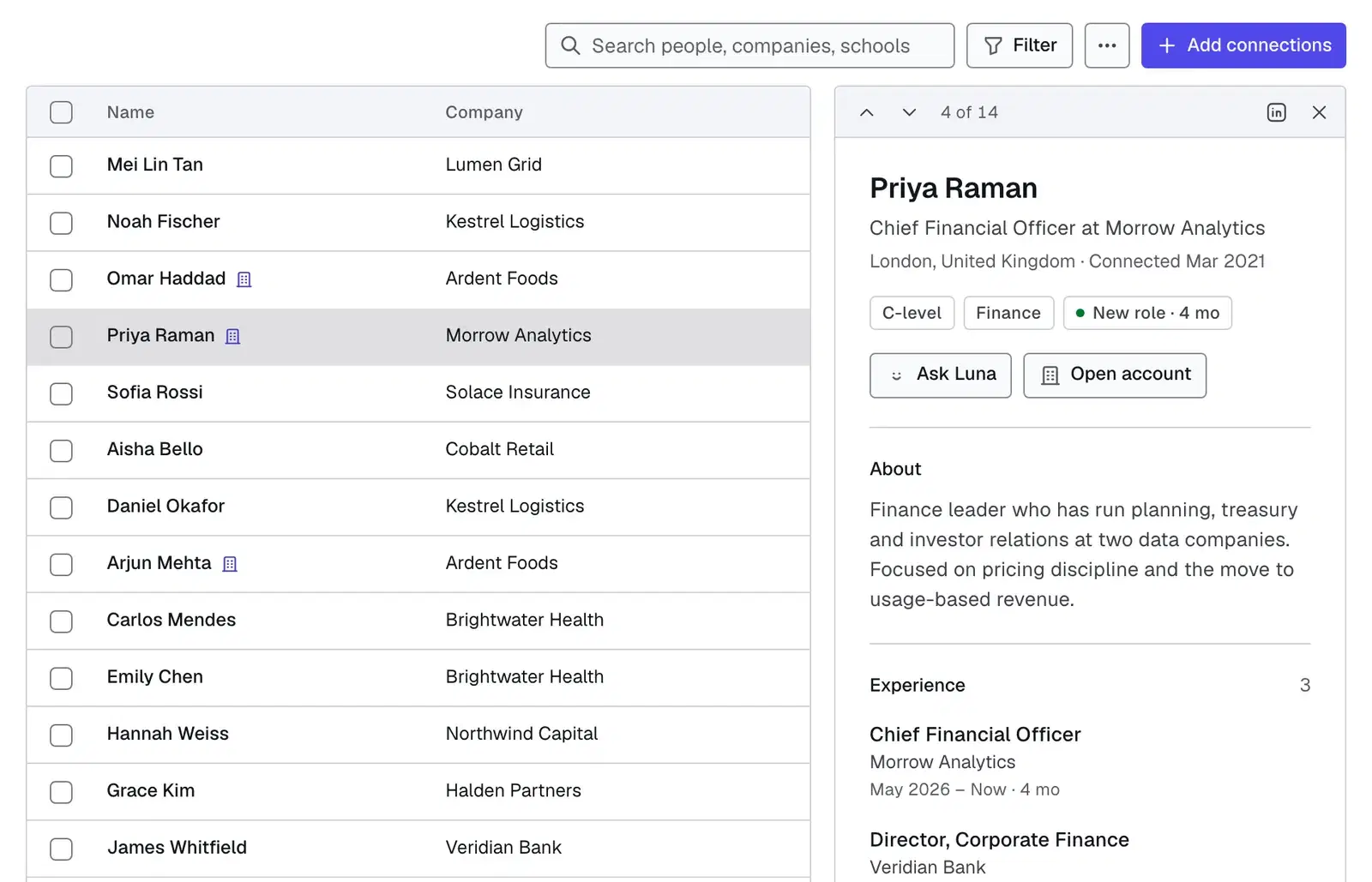
When you're trying to reach someone at an account, a direct connection isn't
always there. Warm introduction paths now look across your whole firm, not just
the people you know directly — Luna finds the shortest chain of colleagues who
can pass you along and shows the best route in, read top to bottom: you, the
person who can introduce you, and the contact you're after.
So even when you've never met anyone at a target company, you can see the
warmest way in and exactly who to ask for the introduction.
You can now decide exactly how your account briefs are laid out. In Knowledge →
Templates, describe the format you want in plain language — say, the three
people who matter most, what could put a deal at risk, and the one move to make
next — and Luna writes the format for you. Refine it just by asking ("make it
shorter", "add a competitors table"), or start from a ready-made format like
Cliff Notes or a Blue Sheet.
Set a format as your preferred one and every brief Luna writes for you follows
it — the same sections, in your style, filled in with the latest on the account.
Keep a format to yourself, share it with a team, or set one for the whole
workspace.
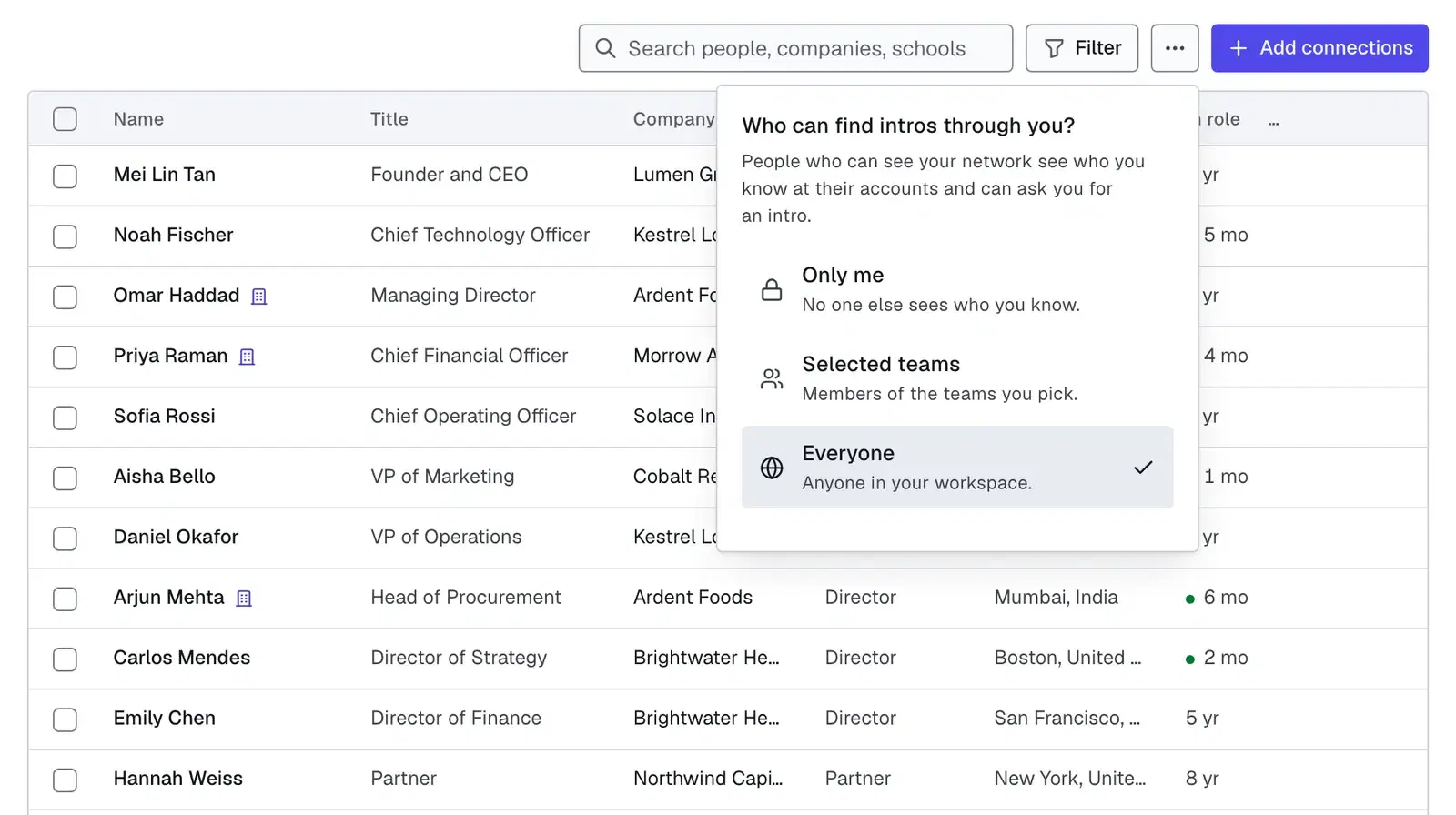
Every Key Account now has its own visibility setting, controlled from the lock
in the account header. Keep it private to you alone, share it with one or
more teams, or leave it open to everyone in your workspace.
Whether someone can edit an account or only view it follows their role on the
team that owns it, set in Settings, Teams, Manage Members. Whoever created
an account always keeps full control of it. Luna follows the same rules: she
will not show or describe an account you cannot access, and you can simply ask
her to share one with a team.
Existing accounts stay visible to everyone in your workspace, so nothing
disappears. Editing is now tied to team roles, so some people may find they can
view an account they used to be able to change until they are added to the
right team.
Refreshing an account now surfaces genuinely recent, properly dated news, so
developments that used to slip past are picked up. Start a refresh and close
the tab if you like, the result is waiting when you come back.
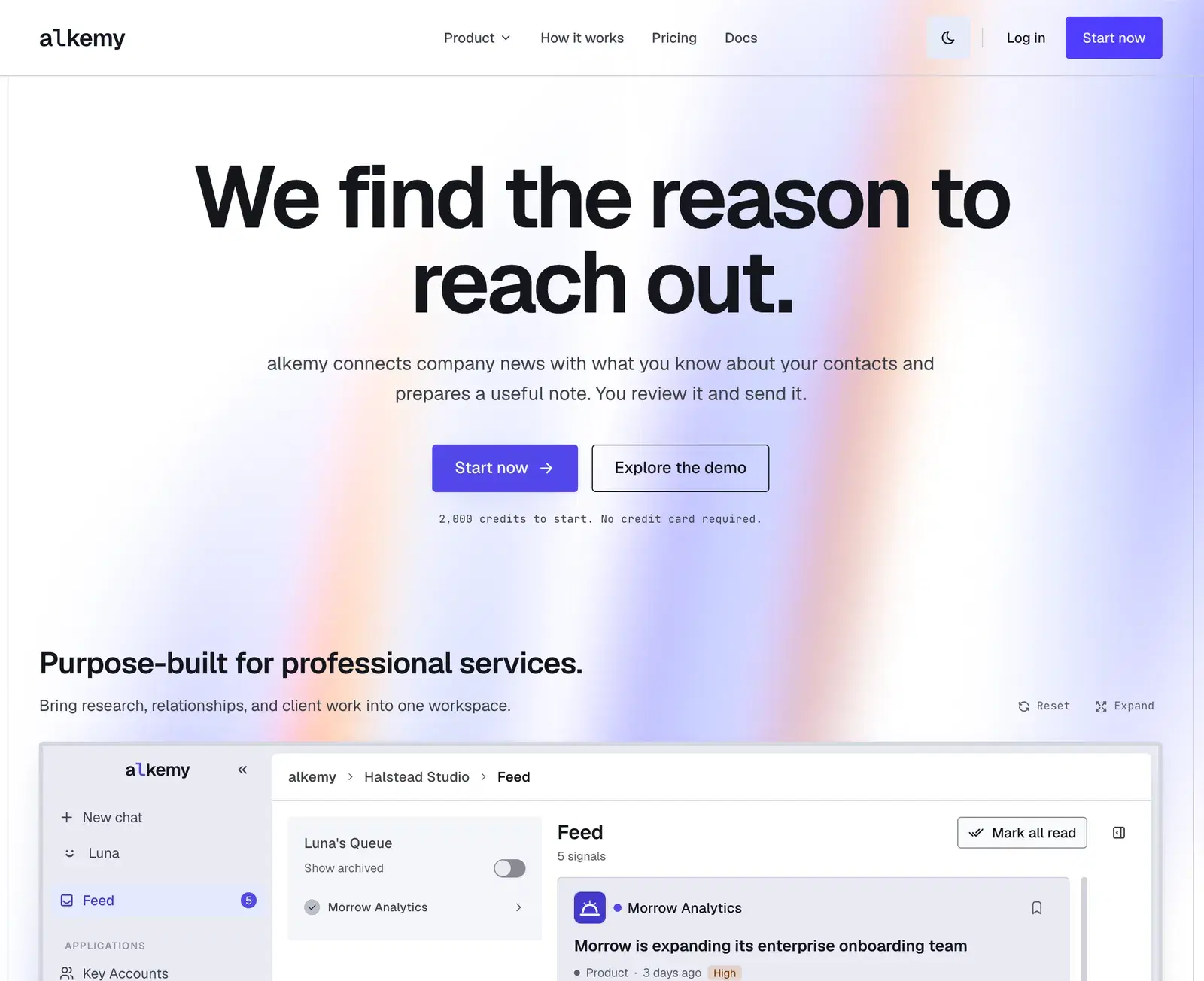
Every signal carries a New tag until you personally open it, and
Updated if it changed since you last read it. That is tracked for each
person, so the Signals tab badge shows your own unread count. When fresh
information lands on something already being tracked, it updates that signal
instead of adding a second copy of it.
Tell Luna something about an account, a person, or how your firm works, and she
saves it on her own and tells you afterwards. No stopping to confirm every
note, and no being asked twice about something you already said during
onboarding. Those notes come back the next time you work on that account, and
when a detail changes the old note is corrected instead of piling up beside the
new one.
She is also better at finding them. Where Luna would occasionally say you had
no Key Accounts, or miss a detail already saved in one, she now searches across
every account you have access to.